
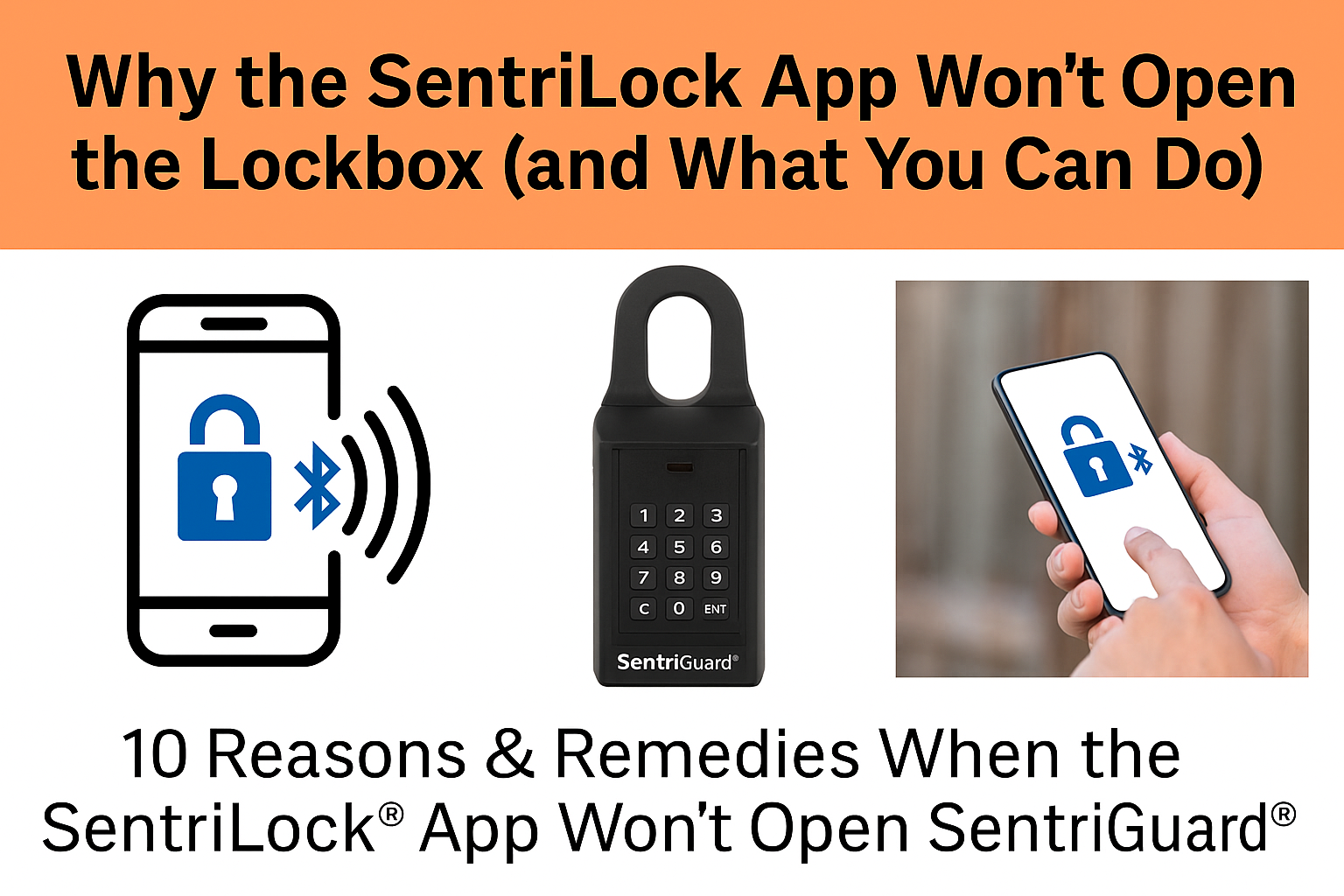
Why the SentriLock App Won’t Open the Lockbox (and How to Fix It Fast)
Save the request for a "one-day code" for emergencies. Here’s how to get SentriGuard® lockboxes to open on the first try with the push of a button.

Top 10 Reasons It Won’t Unlock (and the Fix)
- Bluetooth is off or connected to other devices. Turn Bluetooth on (phone settings), then toggle it off/on to refresh. Disconnect other Bluetooth devices from your phone when using the app to unlock a lockbox.
- Missing app permissions. In your phone’s app settings, allow Bluetooth, Location, and Nearby Devices for SentriKey®/SentriConnect®.
- Weak signal or a network hiccup. Step toward the street, toggle Airplane Mode off/on, or temporarily turn off Wi-Fi.
- Outdated app. Update SentriKey® or SentriConnect® in the App Store/Google Play.
- Box not awake. Press ENT on the lockbox before attempting to open.
- Wrong app / expired access. MLS members use SentriKey®; non-members with temporary access use SentriConnect®. Confirm your access window.
- App cache glitch. Force-close the app, reopen, sign back in. If needed, delete/reinstall.
- Phone OS issues. Install any pending iOS/Android updates; new devices can need a quick update to play nice with Bluetooth/NFC.
- Cold weather or low lockbox battery. Warm the box briefly, press ENT, try again. If it persists, alert the listing agent for a battery swap.
- Multiple devices interfering. Log bluetooth out on other phones/tablets. Keep your phone within 3–6" of the box logo when unlocking.
Quick Reset Routine (Most Reliable)
- Force-close the app.
- Toggle Bluetooth off/on; ensure Location is on.
- Press ENT on the lockbox to wake it.
- Open the app and authenticate (PIN/FaceID).
- Hold phone 3–6" from the lockbox logo and retry.
Official How-To Guides & Videos
- How to Open a SentriLock Lockbox (Bluetooth & Touch-N-Show™)
- SentriGuard® Lockbox Online Guide
- Lockbox Resources: FAQs & Troubleshooting
- SentriConnect® Resources (temporary access)
- Training Hub & Calendar
Open the Key Compartment (Bluetooth)
Open a Lockbox with SentriKey® (Bluetooth & Non-Bluetooth)
Touch-N-Show™ (NFC) – Tap to Open
When to Call for Help
If you’ve run the reset routine twice and still can’t open, text or call me on site. Tell me the steps you tried so far—that helps me fix it faster.
Bryan Messick – Employing Broker, United Real Estate Prestige Denver, 720-650-2250
Proud user of Sentrilock boxes since 2010.